
HOW IT WORKS
See How VideoBank AI Tasks Work.
Choose a task, follow the instructions, record in first-person view, and upload your video for review.
The key is simple: follow the task instructions and record exactly as required.
SMART PARTICIPATION TIP
Build a Scene Once. Reuse It for Similar Tasks.
You can create your own realistic task scene and reuse it for other similar tasks.
For example, if you use a room for Cleaning Task A, you can reset the same room and use it again for Cleaning Task B. You can continue resetting and reusing the same scene for other suitable tasks as long as each new recording follows the current task instructions.
Reuse the scene — not the video.
Every submission must be a newly recorded video. Do not upload the same video more than once.
How to Complete a Task
-
Choose a Task
Choose an available task and read the instructions.
-
Record in First-Person View
Follow the task instructions and record the full process from your own point of view.
-
Upload for Review
Upload your new recording and check its status in My Tasks.
See What Real Tasks Look Like
These examples show the kinds of real-world activities you may find in VideoBank AI. Always follow the instructions shown for the task you choose.
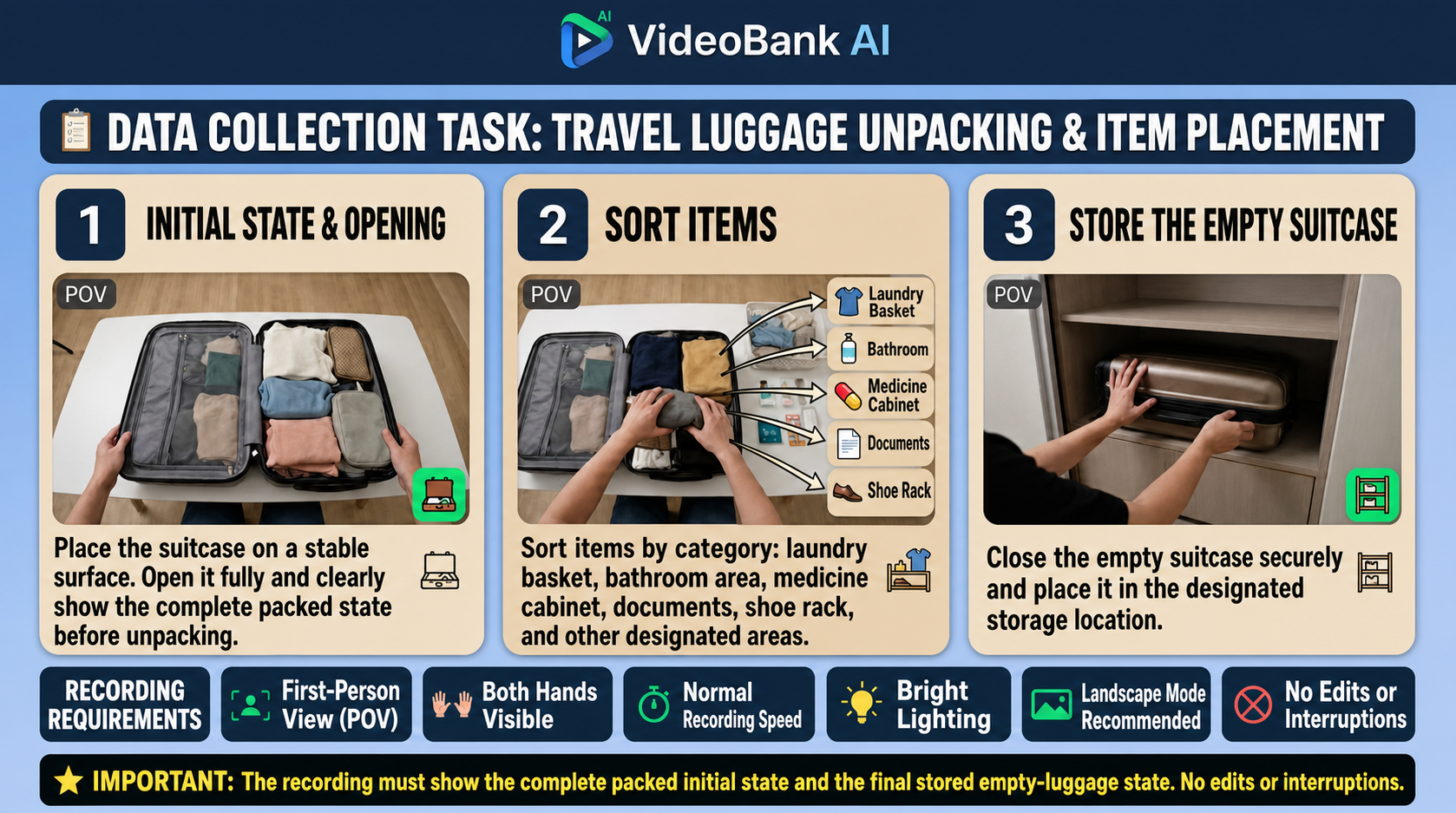
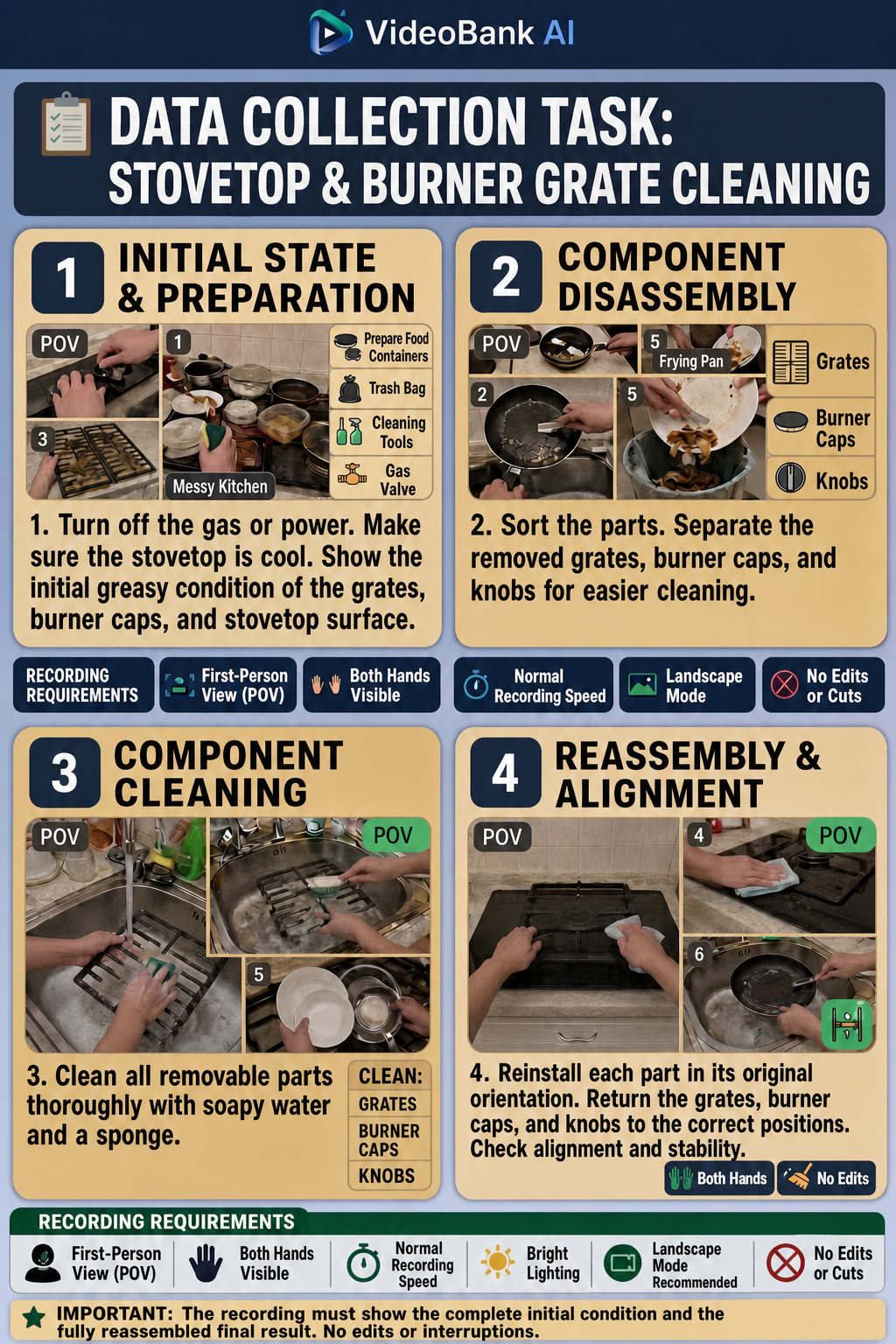
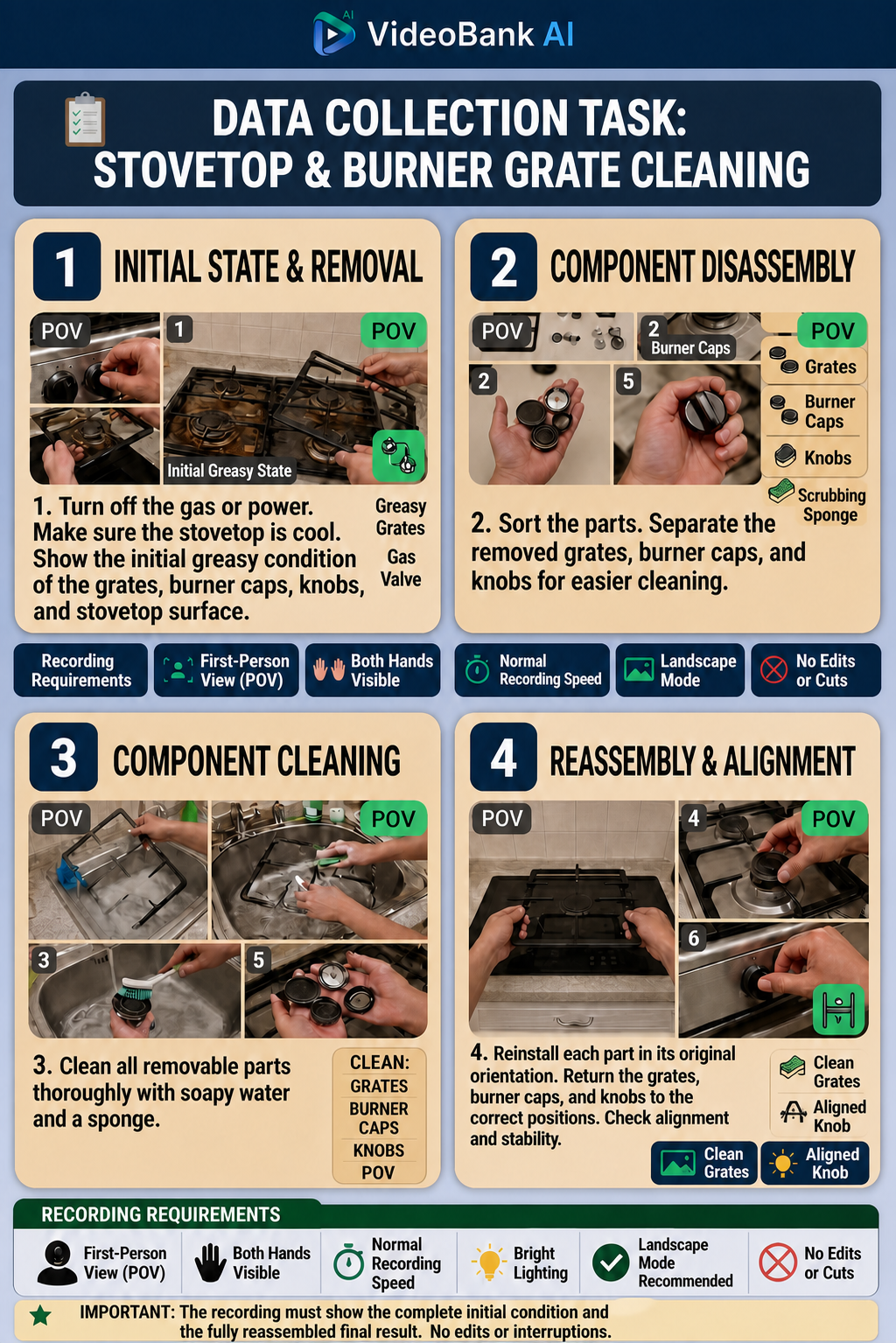
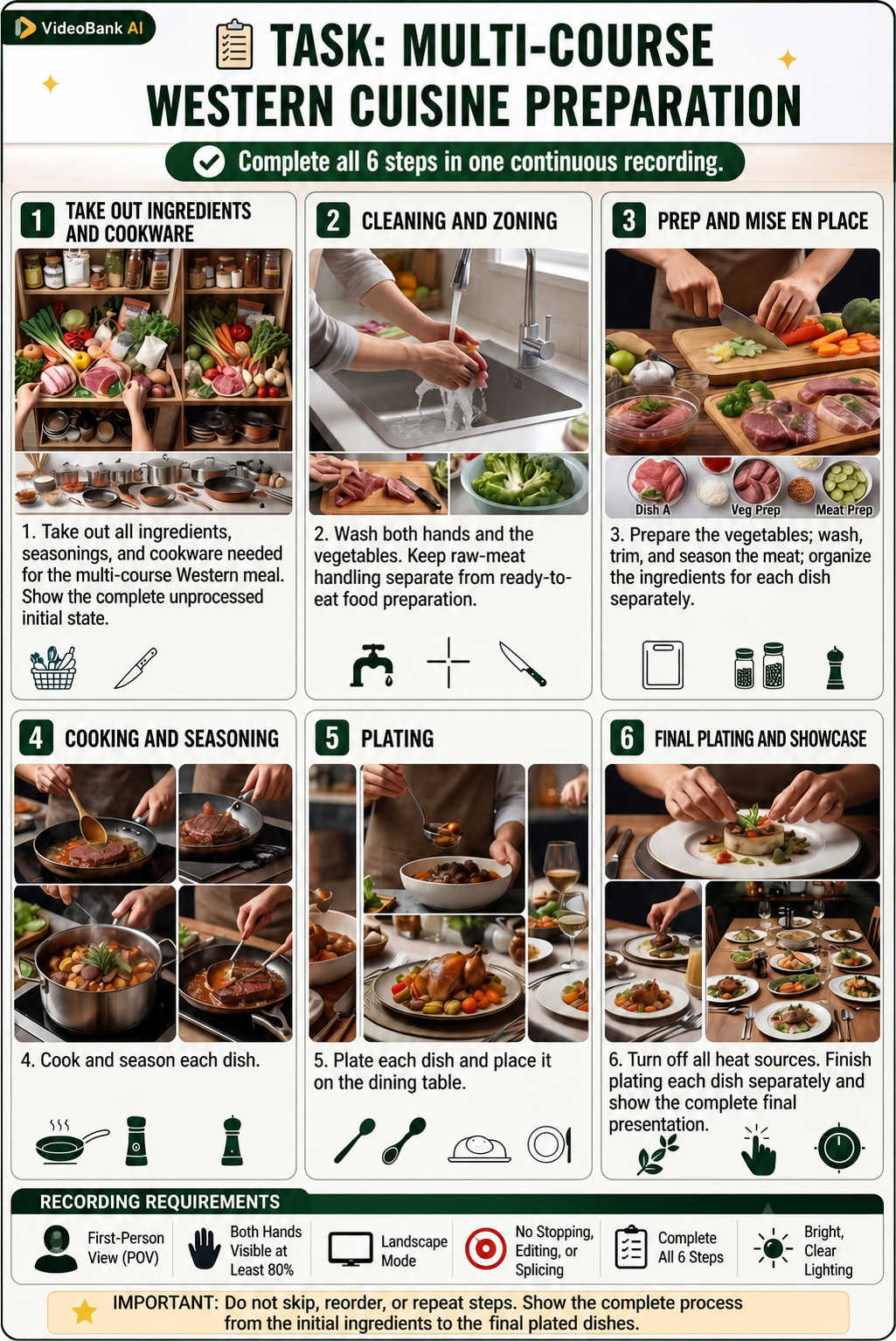
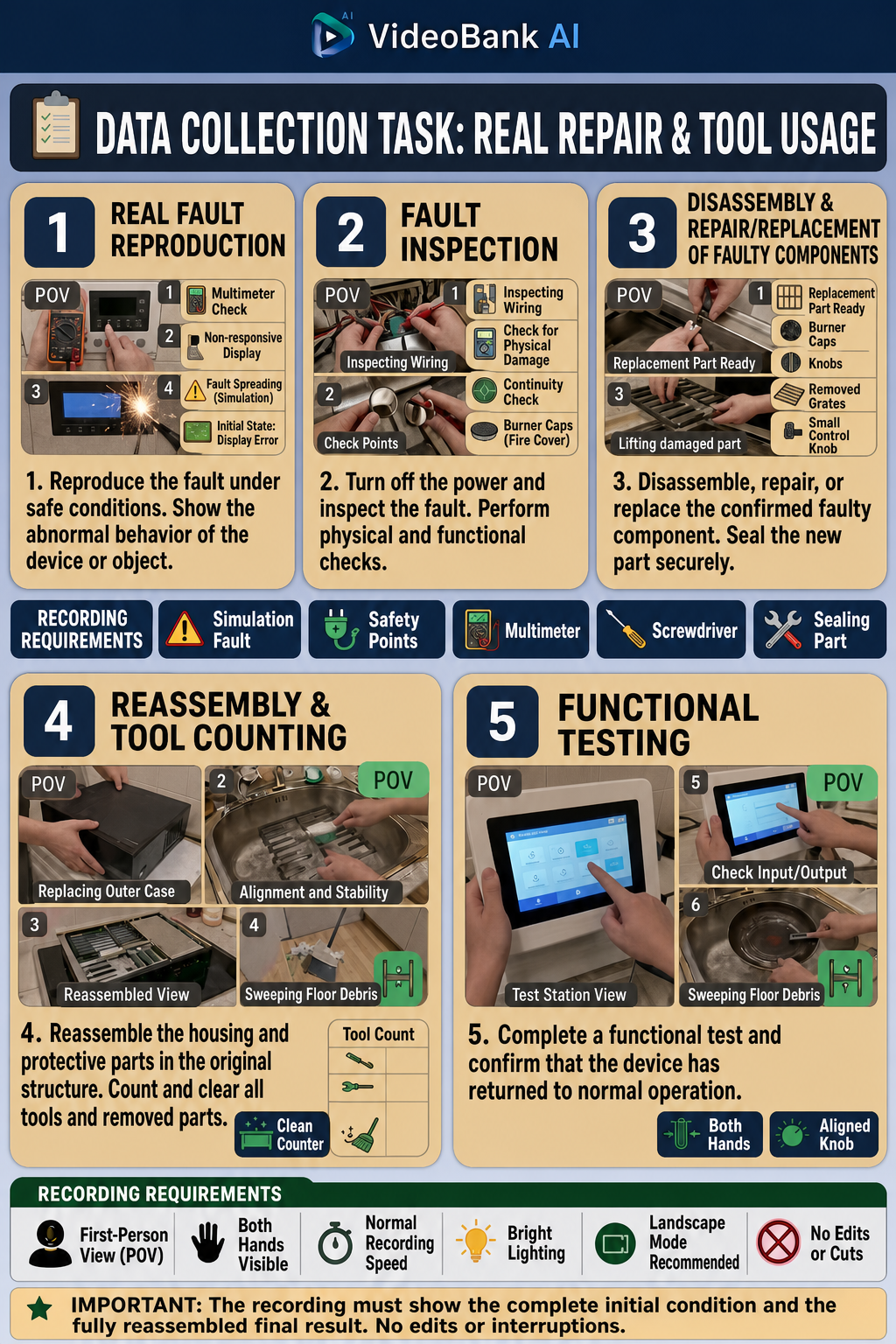
Quick Recording Reminder
- First-Person View
- Both Hands Visible
- No Cuts or Editing
- Natural Movement
- Follow the Task Instructions
Record it correctly from the start and make each task easier to complete.
Ready to Start Your Next Task?
Get the app, choose a task, and follow the instructions. If you need help, our support team is available on WhatsApp.